A cracked iPhone screen, a MacBook that has met a cup of tea, or an iPad with a battery that no longer lasts through the school day can quickly turn into an expensive problem. This AppleCare cover review looks at what Apple’s protection plans actually do, where the limits are, and whether the cost makes sense for your home or business.
AppleCare can be very worthwhile, but it is not a replacement for careful backups, patient one-to-one help, or a reliable person to call when the problem is not a broken part. The right answer depends on the device, how it is used, who uses it, and how much disruption a repair would cause.
What AppleCare covers in practice
Every new Apple device comes with a limited hardware warranty and consumer rights under UK law. The manufacturer’s warranty generally addresses faults caused by a manufacturing defect, rather than accidental damage. Your consumer rights may offer longer protection where a product was not of satisfactory quality or failed sooner than reasonably expected, but proving the cause of a fault can become more difficult as time passes.
AppleCare+ is the paid plan designed to add accidental damage protection and technical support. For a covered Mac, iPhone, iPad, Apple Watch or other eligible product, this can include repair or replacement after accidental damage such as a smashed display, liquid damage or damage to the casing. A service fee, often called an excess, normally applies to accidental-damage claims.
The detail matters. The plan for an iPhone may not be identical to the one for a MacBook, and pricing, excess fees, claim limits and available options can change. Before buying, read the current terms shown for the exact model and plan in the UK rather than relying on an old advert or a friend’s experience.
Battery service is another useful benefit. If the battery capacity falls below the stated threshold while the plan remains active, AppleCare+ may cover a replacement. For someone keeping a MacBook or iPhone for several years, that can carry real value. A worn battery is not always a fault, however, so the measured capacity and the plan terms will decide the outcome.
Theft and loss is not standard on every plan
Theft and loss cover is generally associated with certain iPhone plans, rather than AppleCare+ as a whole. It comes with strict conditions. Find My normally needs to have been enabled before the phone was lost or stolen, and you will need to follow Apple’s claim process promptly. There is also an excess to pay.
That distinction catches people out. Accident cover will not necessarily replace a phone left in a taxi, and a standard home insurance policy may have different rules again. If loss is your biggest worry, compare the theft-and-loss option against your home insurance excess, no-claims discount implications and any cover offered by your bank account or mobile provider. Avoid paying twice for protection you already have.
AppleCare cover review: the costs people miss
The monthly or upfront plan price is only part of the decision. An accidental-damage repair usually requires an additional service fee, and the amount can be much higher for damage beyond a screen or back glass repair. A badly damaged MacBook, for example, may still involve a meaningful payment even with AppleCare+ in place.
It is also worth considering how long you intend to keep the device. AppleCare+ can make strong financial sense for a new, high-value MacBook Pro used daily for work, especially if it travels between home, client sites and meetings. It can be less compelling for an older iPad kept mostly on the sofa, or a budget handset you would be comfortable replacing yourself.
For families, the calculation is often about risk rather than averages. One child dropping a recently purchased iPad can make several years of cover feel sensible. On the other hand, if the household uses sturdy cases, screen protectors and keeps devices mainly at home, self-insuring by putting aside a small monthly amount may be a reasonable alternative.
Small businesses should think about downtime as well as the repair bill. A sole trader whose Mac contains quotes, invoices, customer photographs and email access may lose more from a day without the machine than from the repair charge itself. AppleCare can help with eligible hardware incidents, but it does not automatically provide a temporary computer, restore your files, reconnect printers or get your business back into its usual routine.
What AppleCare does not solve
AppleCare is often mistaken for an all-purpose technology support contract. It is not. It will not usually recover deleted files, repair a corrupted photo library, untangle an iCloud account shared by several family members, remove every scam message or organise a new office’s Wi‑Fi and email setup.
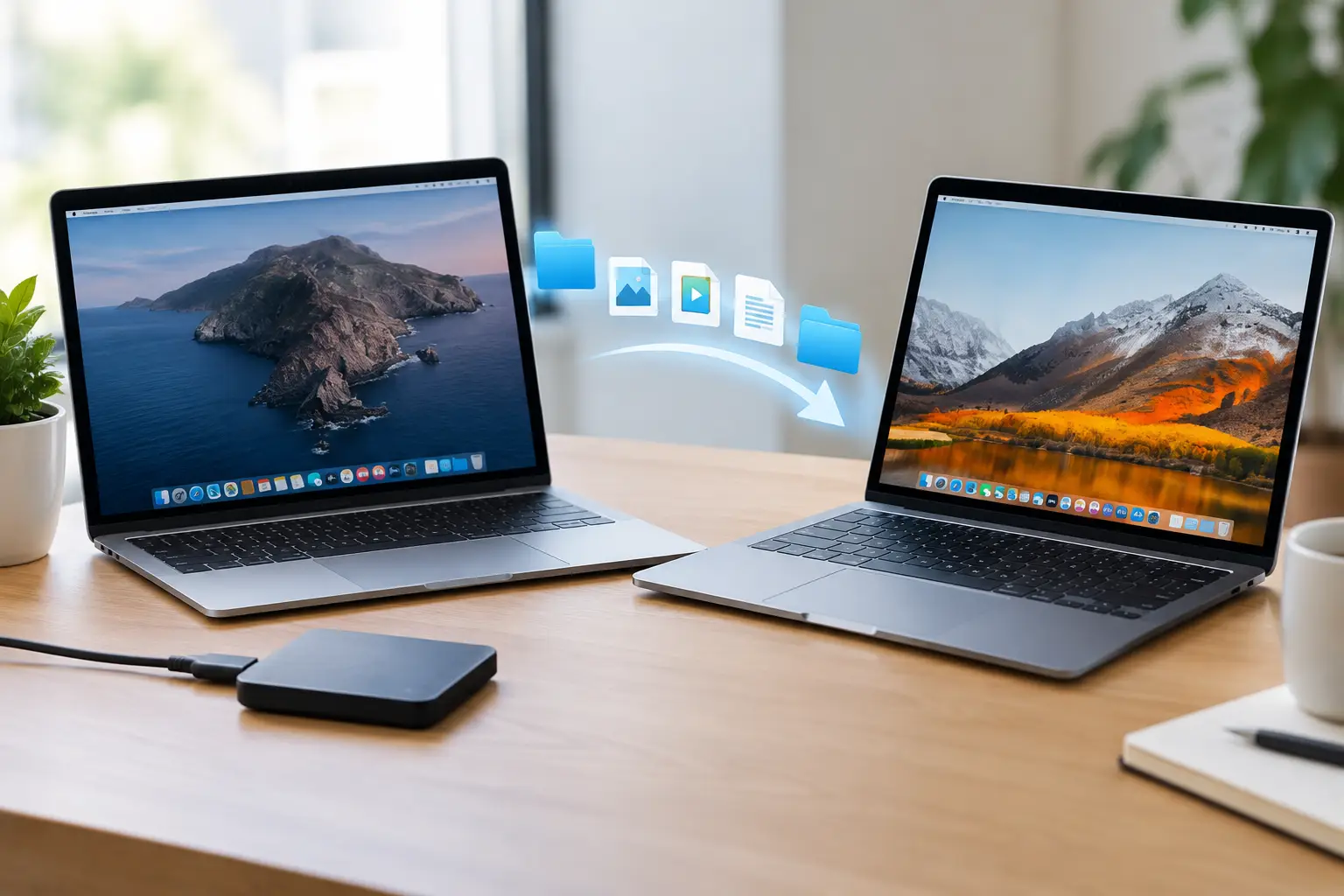
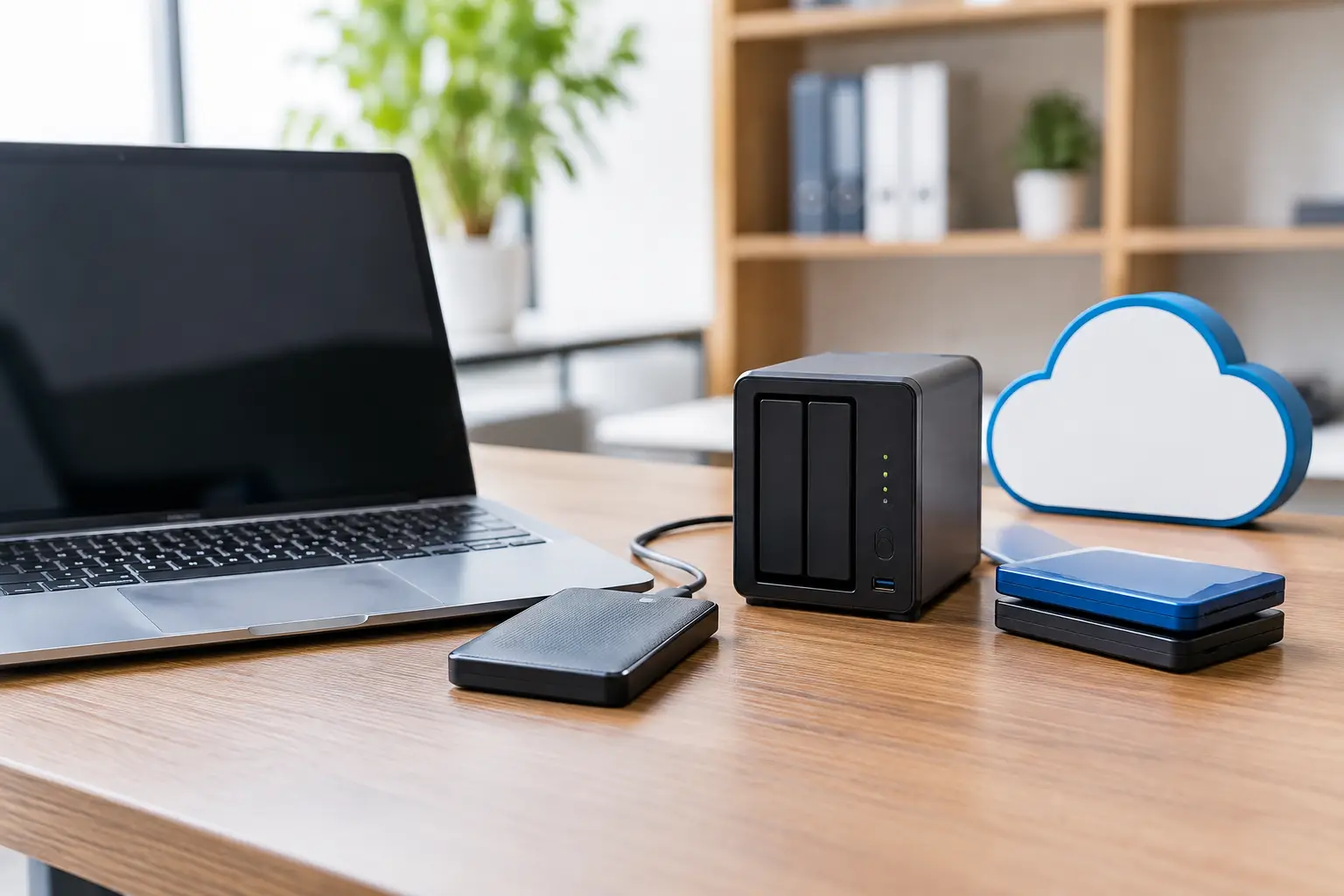
It also does not make backups optional. If a MacBook is stolen, damaged beyond use or replaced after a claim, the device may be covered while its locally stored documents are not. Keeping current backups in more than one place remains the best protection for irreplaceable family photos and business records.
There are other exclusions to bear in mind. Deliberate damage, normal cosmetic wear that does not affect operation, consumable parts outside the stated conditions, lost accessories and problems caused by unauthorised modification may fall outside cover. Devices with liquid damage can be particularly difficult if there are signs of prior work or corrosion. When you have active AppleCare, ask about your options before arranging a third-party hardware repair.
That does not mean every issue needs to go through Apple. A slow Mac may need storage cleared, unwanted login items removed, a sensible upgrade or a straightforward software repair. An iPhone that will not receive calls may be affected by settings, a SIM or network issue rather than damaged hardware. Paying for an insurance claim when the fault is configuration-related is rarely the quickest route to a solution.
When AppleCare is a good buy
AppleCare+ is most attractive when the device is expensive to repair, is used heavily outside the house, and would be costly or inconvenient to replace at short notice. It is particularly worth considering for laptops carried daily, new iPhones without a protective case, iPads used by children, and essential work equipment.
It can also suit people who prefer certainty. Not everyone wants the possibility of an unexpected four-figure repair bill hanging over a new Mac. Paying a predictable monthly amount and an excess after an accident can make budgeting easier, even if you never make a claim.
For a business, cover is more persuasive where the machine is a single point of failure. If one MacBook runs the accounts, holds the artwork or manages customer bookings, protection is sensible – but so is having a backup plan. That might mean a current backup, secure passwords, documented account details and access to another device if the main one is away for repair.
When local support may be more useful
AppleCare is excellent at dealing with qualifying hardware faults and accidental damage through Apple’s own process. But many real-world calls for help are not claims. They are about a printer that has disappeared, a Mac running out of storage, a new router, suspicious pop-ups, Microsoft 365 access, or an elderly relative worried that they have clicked the wrong thing.
This is where hands-on support fills the gap. A local Apple specialist can assess what is actually wrong, explain your options in plain English and help you avoid unnecessary work. If the device should go through AppleCare, you can start that process with more confidence. If it is a software, setup, security or data problem, it can often be addressed without the delays and uncertainty of a warranty route.
For Dorset households and smaller organisations, North Dorset Mac Man can be particularly useful when several devices and accounts are involved. The aim is not simply to get one item switched back on, but to make the wider setup safer, easier to use and less likely to cause another stressful call next week.
A sensible way to decide
Start with the device’s replacement cost and the likely cost of its most common repair. Then consider where it goes, who handles it and whether you could manage without it for a few days. Check what insurance you already have, including any excesses and restrictions, before adding another policy.
Finally, separate hardware protection from everyday technical help. AppleCare can be a sensible safety net for an expensive accident. Backups, good security habits and a trusted person who can help at home or at work are what keep a small issue from becoming a major interruption.
If you are weighing up cover after buying a new Apple device, take five minutes to check the exact plan terms and make sure your backup is working first. That small bit of preparation is often the best protection you can buy.