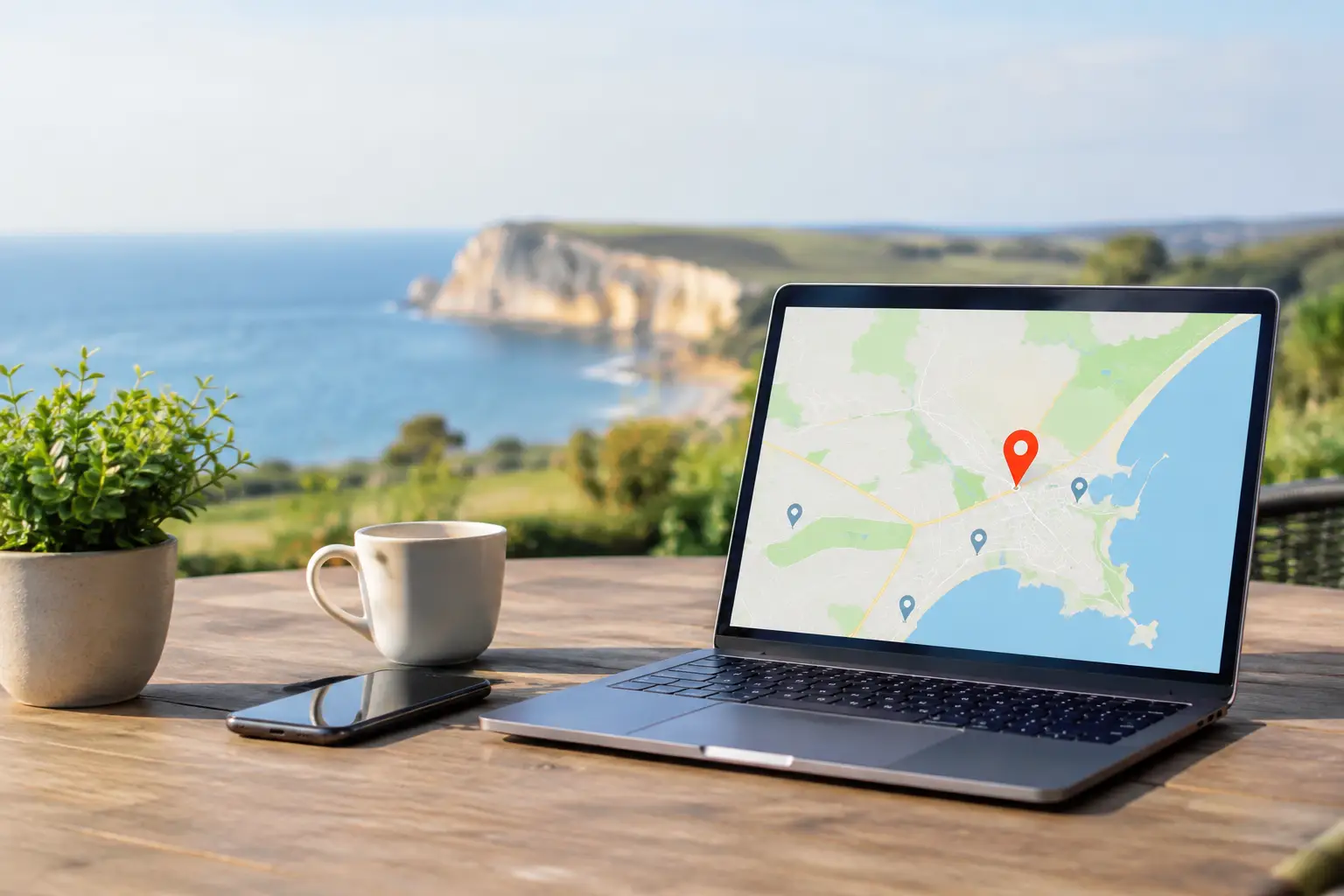
A customer searches for a local electrician, café, accountant or computer repair service at 8pm. Google shows a map, opening hours, photographs, reviews and a call button before they have visited a single website. That is why a well-managed listing matters. This guide to Google Business Profile explains how Dorset businesses can make that first impression accurate, helpful and more likely to lead to a genuine enquiry.
Google Business Profile is free to use, but it is not a set-and-forget directory entry. It is part signpost, part shop window and part customer service desk. A neglected profile with old opening hours, no recent photographs and unanswered reviews can create doubt, even when the business itself does excellent work.
What Google Business Profile does for a local business
A Google Business Profile is the information panel that can appear in Google Search and Google Maps when someone looks for your business or for a service near them. It can display your contact details, website, service area, opening hours, reviews, photographs, services and updates.
For a shop, salon, café or office, the address and directions are central. For a mobile business, sole trader or home-based service, the service area is often more useful. You do not need to publish your home address simply because you work from home. It is usually better to set the profile up as a service-area business and clearly state where you travel.
A profile will not guarantee a place at the top of Google. Search results depend on relevance, distance and prominence, among other factors. It can, however, remove simple barriers that send customers elsewhere: a wrong phone number, an unclear service, or the impression that nobody is available to help.
Setting up your Google Business Profile properly
Start by searching Google for your business name. You may find an existing profile created from public information or an old listing set up years ago. Claim that profile rather than creating a duplicate. Duplicate listings confuse customers and make it harder for Google to understand which details are correct.
Use the real-world trading name customers know. Do not add a string of town names or services to the business name in an attempt to rank higher. It may look tempting, but it can be against Google’s guidelines and can make the listing appear less trustworthy. Keep the extra detail for your description, services and posts.
Choose the main category carefully. This is one of the strongest signals you can give Google about what you do. A local IT support provider, for example, should choose the category that most accurately reflects its main paid service, then add relevant secondary categories only where they genuinely apply. Selecting every possible option muddies the picture rather than improving it.
During verification, Google may ask for a video, phone, email or other proof that the business is genuine. Follow the instructions precisely and avoid repeatedly changing key details while the verification is underway. If the process is awkward, it is worth taking the time to get it right. A verified listing is far more useful than an unfinished one.
Get the fundamentals right before chasing reviews
Your name, telephone number, website and opening hours should match the information used elsewhere online. This does not mean every word must be identical, but customers should not see one phone number on Google and another on your website.
Add special hours for bank holidays, Christmas closures, staff training days or seasonal changes. A business that says it is open when nobody can answer the phone will often lose the customer for good. If you offer emergency call-outs or appointments outside standard hours, explain that clearly rather than simply marking the business as open all day.
Write a short, plain-English description of what you do, who you help and the area you serve. Avoid vague claims such as “best service” or a paragraph stuffed with place names. A better approach is to explain the practical problem you solve. For instance, a business might say that it provides on-site Mac support, repairs and patient one-to-one help for homes and small businesses across Dorset.
Make your profile useful, not just visible
People often make a decision from the profile itself. Give them enough information to decide whether you are a good fit and an easy business to contact.
Add your core services individually, using names a customer would recognise. A plumber might list boiler repairs, bathroom fitting and emergency leaks. An IT business might list Mac repairs, data recovery, Microsoft 365 help and remote support. Add a short description where it clarifies what is included, but do not promise fixed prices if every job needs diagnosing first.
Photographs matter because they help a local business feel real. Use clear, recent images of your premises, team, work, vehicles or the kind of setting in which you work. For a tradesperson or repair service, before-and-after images can be effective if they are honest and customers’ private details are not visible. Avoid stock images where possible. They may look polished, but they rarely build the same confidence as genuine local photographs.
Keep an eye on the call, direction and website actions shown in your profile insights. They are not a perfect measure of every enquiry, but they reveal useful patterns. If lots of people view the profile but few call, check whether your category, description, reviews and opening hours explain the value clearly. If customers frequently ask the same question, add the answer to your services or an update.
Use updates selectively
Google allows businesses to publish updates. These can be helpful for a seasonal offer, a new service, changed holiday hours or a community event. They are not a substitute for a proper website, and posting every day is unnecessary for most small firms.
The useful test is simple: would this help a customer choose, prepare for a visit or contact you? A post saying that you are available for same-week appointments is useful. A stream of generic motivational messages is unlikely to be.
Reviews: earn them, respond well, learn from them
Reviews are often the deciding factor when two nearby businesses offer similar services. The goal is not to collect a suspicious rush of five-star ratings. It is to build a steady, believable picture of how you work.
Ask for a review shortly after completing work, when the experience is still fresh. A polite personal request is usually enough. You can mention that reviews help other local customers find a trusted provider, but never pressure someone or offer payment in exchange for a positive review. It is also wise not to ask friends or relatives to review work they have not genuinely received.
Respond to reviews with the same care you would use on the phone. Thank people by name where appropriate, refer briefly to the work completed and keep the reply professional. You do not need to repeat every detail of the job, particularly where privacy matters.
A negative review is frustrating, but a defensive public argument nearly always causes more harm than the review itself. Reply calmly, acknowledge the concern and offer a way to resolve it directly. If the review is clearly fake, abusive or unrelated, report it through Google, but do not assume it will disappear. Future customers will judge how you handle a difficult moment as much as the complaint itself.
Common mistakes that cost local enquiries
The biggest problem is usually inconsistency. A business may have changed its mobile number, moved premises or reduced its hours, but the profile still shows the old details. Set a reminder every few months to check the listing, especially before busy periods and holidays.
Another common mistake is trying to serve everyone with one vague profile. Be specific about the work you actually want. If you repair Apple computers but not Windows laptops, saying so politely can save wasted calls and attract better enquiries. The same principle applies to service areas. It is better to name the places you regularly cover than to claim the whole country and disappoint someone far outside your usual patch.
Finally, do not hand control of the profile to an agency or former employee without retaining ownership. The business owner should always have access, with trusted staff or advisers added as managers where needed. That makes it far easier to update details or change support arrangements later.
When a little help is worthwhile
For many sole traders, the initial set-up takes an hour or two and regular maintenance is modest. But it can become confusing when there are duplicate listings, a suspended profile, several branches, ownership problems or a business that has moved from an address to a service-area model.
This is also one of those jobs where clear explanation helps. North Dorset Mac Man can provide practical assistance with Google Business services alongside wider website, email and IT support, without leaving you to decipher technical settings alone.
Your profile should reflect the business customers will meet when they call: local, clear about what it offers, easy to reach and dependable when it matters. Keep it current, treat every review as a conversation, and it can become one of the hardest-working pieces of local marketing you have.