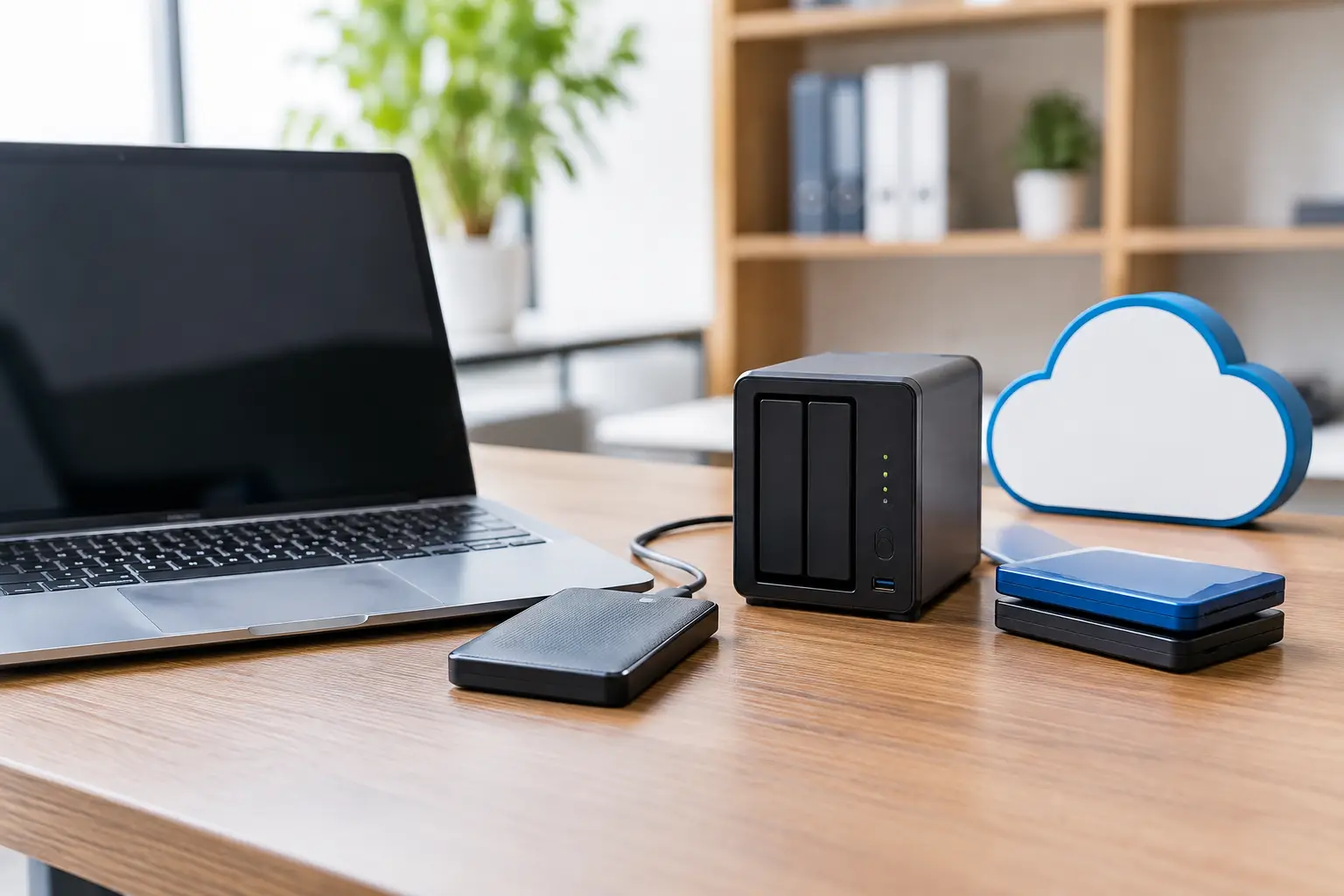
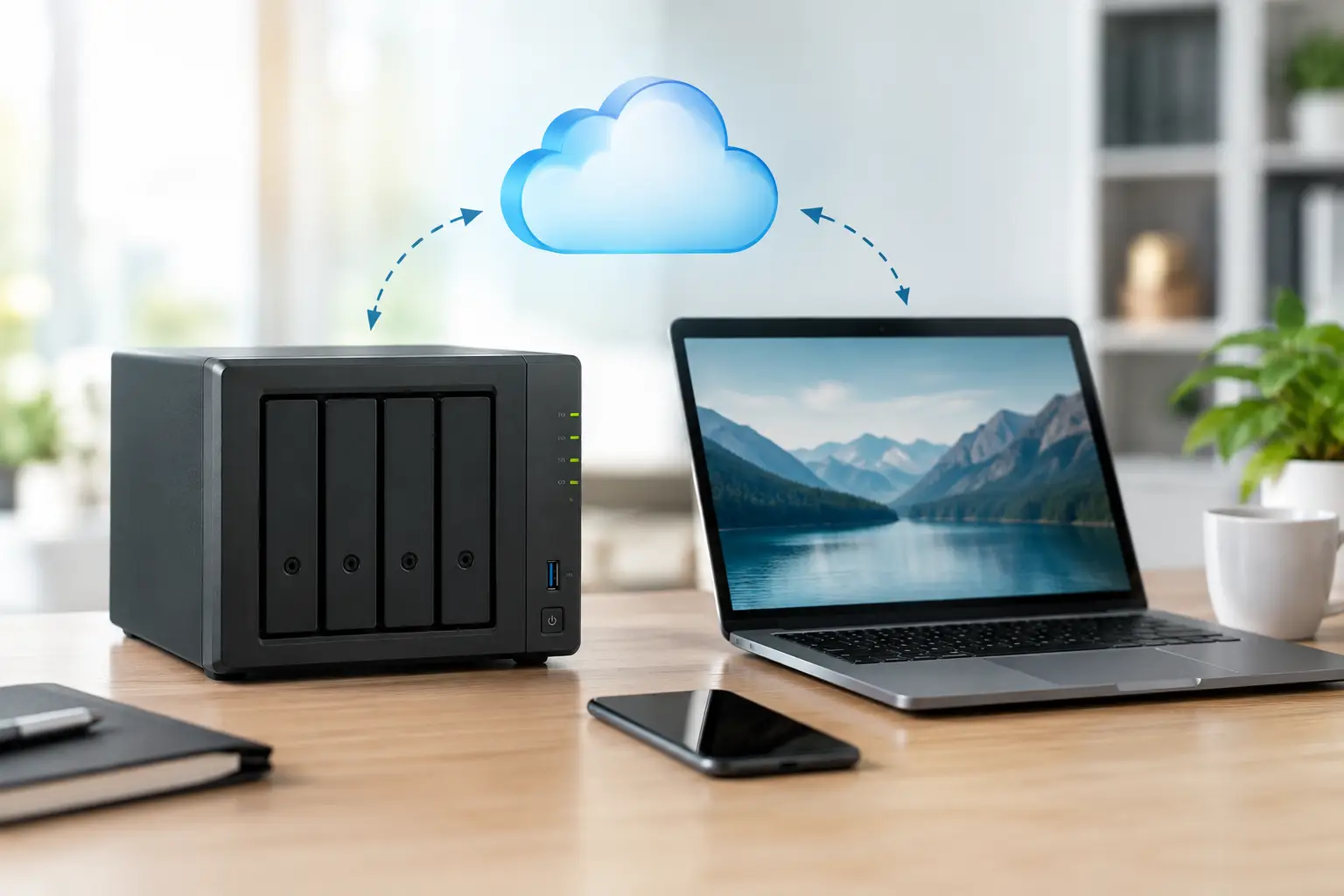
A full iPhone message, a Mac warning that iCloud storage is nearly full, or years of family photos sitting on an ageing external drive can all prompt the same question: NAS versus iCloud, which is the safer choice? The honest answer is that they solve different problems. One puts a small storage server under your roof; the other keeps your files available through Apple’s cloud service. For many households and small firms, the best arrangement is not an either-or decision.
What a NAS and iCloud actually do
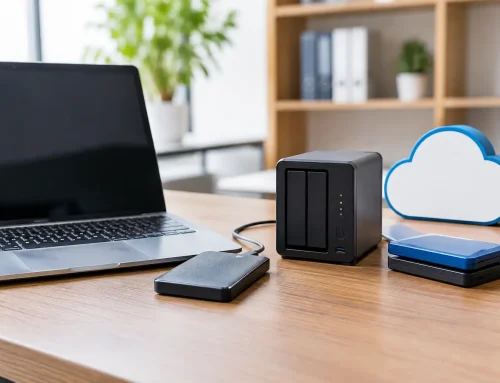
A NAS, short for Network Attached Storage, is a dedicated box containing one or more hard drives. It plugs into your router and can be accessed from Macs, iPhones, iPads and, when set up correctly, away from home. Think of it as a private file cupboard that everyone in the household or office can use.
iCloud is Apple’s online storage and synchronisation service. It keeps selected information – such as photos, contacts, calendars, notes, passwords and files in iCloud Drive – aligned across Apple devices signed in with the right account. Take a photo on an iPhone and, provided there is space and an internet connection, it appears in the Photos app on a Mac or iPad.
That difference between storage and synchronisation matters. iCloud is particularly convenient for day-to-day Apple use. A NAS gives you much more control over where files live, who can access them and how large your storage can become.
NAS versus iCloud for family photos and files
For a household using iPhones, iPads and one or two Macs, iCloud Photos is usually the simplest place to begin. It removes a lot of manual work. Photos are visible on every personal device, edits follow you around, and a replacement phone can quickly recover its familiar library.
The drawback is cost over time. Photo and video libraries grow quickly, especially with Live Photos, 4K video and family members sharing pictures. A monthly iCloud+ plan is easy to manage, but it is an ongoing cost and the storage is shared with device backups, files and potentially several people through Family Sharing.
A NAS can make sense when a family has a large photo archive, several computers, old camcorder footage or a collection of documents that should not all sit in one person’s iCloud account. It can provide many terabytes of storage for a larger upfront cost. You can also organise shared folders for household paperwork, school work, scans and media without handing over access to everyone’s personal Apple account.
There is a practical catch. A NAS is not usually as effortless as iCloud Photos. Some NAS brands offer their own photo apps, automatic phone uploads and web galleries, but the experience may not feel as familiar as Apple Photos. It also needs sensible installation, user accounts, software updates and an occasional check that backups are still running.
For many families, a sensible middle ground is to use iCloud Photos for current everyday photos and back up the wider photo library, documents and older media to a NAS. That gives you the convenience of Apple’s ecosystem without making iCloud the only place your memories exist.
The biggest misunderstanding – sync is not backup
This is where data protection often goes wrong. iCloud synchronises changes. If you delete a file or photo on one device, that deletion can be reflected across your other devices. Recently Deleted folders provide a safety net for a limited time, but they are not a long-term backup plan.
A NAS can also give false confidence. Two hard drives inside the same NAS may protect you if one drive fails, depending on how it is configured. This is often called RAID. It does not protect against accidental deletion, ransomware, fire, theft, a faulty power supply or a serious setup mistake. RAID keeps a system running after a disk failure; it is not the same thing as having another copy elsewhere.
A good rule is to keep three copies of important data, on two different types of storage, with one copy away from the property. For example, a small business might keep working files on Macs or Microsoft 365, a local backup on a NAS, and an encrypted off-site backup. A home user might use iCloud for daily files, a NAS or external drive for a local copy, and an additional off-site copy for irreplaceable photos.
The right plan depends on how much disruption you can tolerate. Losing a weekend’s worth of photos is upsetting. Losing a client database, accounts records or years of project work could stop a business trading.
Cost is more than the price of storage
iCloud is straightforward: choose a storage tier and pay monthly. There is no hardware to buy, no drive to replace and little maintenance beyond keeping your Apple account secure. It is often excellent value for modest storage needs and people who simply want their Apple devices to work together.
A NAS costs more at the start. You need the NAS enclosure, suitable hard drives and, ideally, a battery backup device to help protect against sudden power cuts. Drives do not last forever, and a properly configured NAS needs monitoring and replacement parts eventually.
Over several years, however, a NAS with larger capacity can work out well for people storing many terabytes of video, photographs or business archives. The calculation should include your time, not just the equipment price. If the thought of router settings, remote access or replacing a failed drive fills you with dread, the cheaper option can become expensive very quickly when something goes wrong.
Privacy, access and internet reliability
With a NAS, your main files remain in your home or workplace. Some people prefer that level of control, particularly where confidential client documents or sensitive household records are concerned. You decide who gets an account, which folders they can see and whether remote access is available.
That control comes with responsibility. Weak passwords, old software and casually opening a NAS to the internet can create a security risk. Remote access should be configured carefully, with strong unique passwords, multi-factor authentication where available, and regular updates. Never assume that a device tucked beside the broadband router is automatically safe.
iCloud places the infrastructure burden with Apple. Your data is held in Apple’s systems and accessed through your Apple Account. For most home users, this is more convenient, but account security is vital. Use a strong password, turn on two-factor authentication and make sure trusted phone numbers and recovery options are current. One shared Apple Account for an entire family is rarely a good idea, as it muddles messages, photos, purchases and privacy.
Internet speed also changes the picture. iCloud needs a reliable connection to upload and retrieve larger files. A NAS is fast when you are on the same local network, even if the broadband is down, but accessing it remotely depends on your internet connection at both ends.
What works for small businesses
For a sole trader or small Dorset business, iCloud can be useful for an owner’s personal devices, but it is not generally the best foundation for shared business files. It can become confusing when several people need access to folders, staff join or leave, and documents must remain under the business’s control rather than an individual’s Apple Account.
A NAS can be very useful for a local shared archive, large design files, CCTV recordings, Time Machine backups and quick recovery after a Mac problem. It works especially well in an office where several Macs need fast access to the same larger files.
But a NAS does not automatically replace proper business collaboration tools. Teams working from different locations may need clear permissions, file version history, managed user accounts and dependable off-site access. Microsoft 365 or another business platform may be better for active collaboration, while the NAS handles local storage and backup. This is often a more sensible arrangement than trying to make one product do every job.
Choosing the right setup
Choose iCloud when your priority is simple Apple-device synchronisation, your storage needs are modest, and you do not want hardware to maintain. It is particularly good for personal photos, contacts, calendars, notes and files you need on the move.
Choose a NAS when you need large local capacity, control over shared folders, fast access within your property or a place to keep local backups. It is a strong option for extensive media collections and small offices, provided it is installed and maintained properly.
Choose both when your files matter enough to need convenience and a second line of defence. That is often the most reassuring answer: iCloud for the files you use every day, and a NAS or other independent backup for the files you cannot replace.
A storage system should make life calmer, not leave you wondering whether your photos, accounts or business files are protected. If your current setup is unclear, North Dorset Mac Man can help assess what you have, explain the options in plain English and put a practical backup plan in place before a full drive or missing file forces the issue.